Categories
Blogging

HTML List

Html offers user to specify there Information in the form of list but the condition is the list may contain more than one list items.

 
There are three types of list :-

Unorederd list

Orderd List

Defination List


° Unorederd List <ul> :- this will list the item using plain text bullets.There are 3 bullet (square, disc ,circle)

° Type Attribute(Unorederd list) :-

 the type Attribute is use to specify Which type of bullet you want in the list

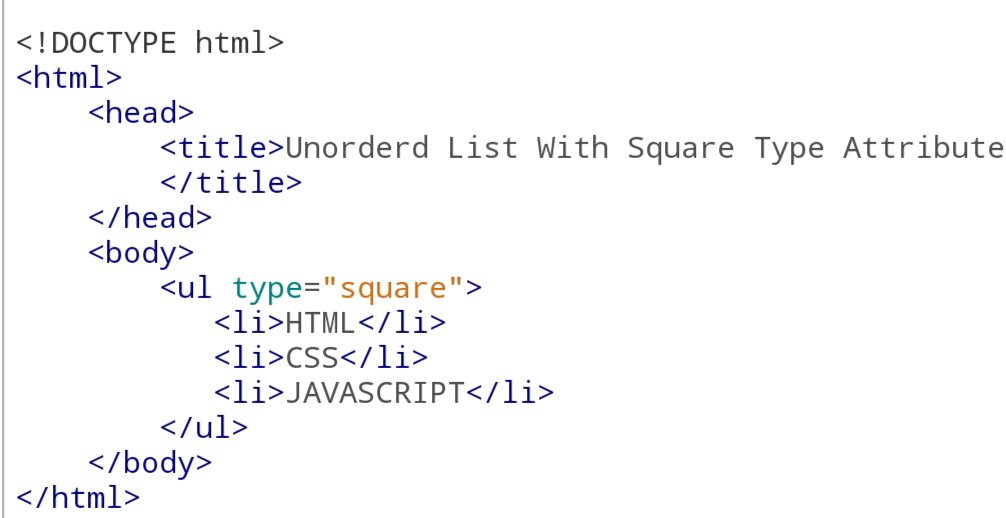
<ul type=”square”>

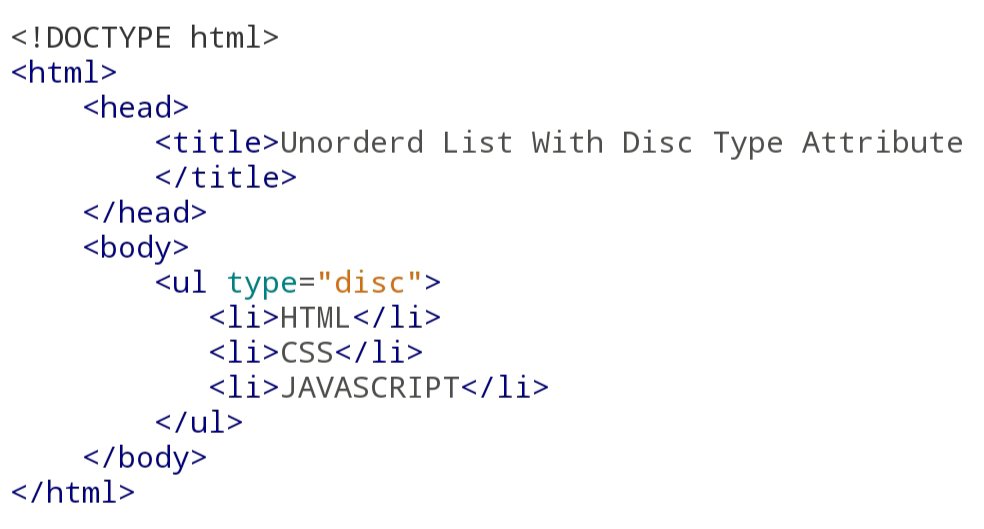
<ul type=”disc”>

<ul type=”Circle”>

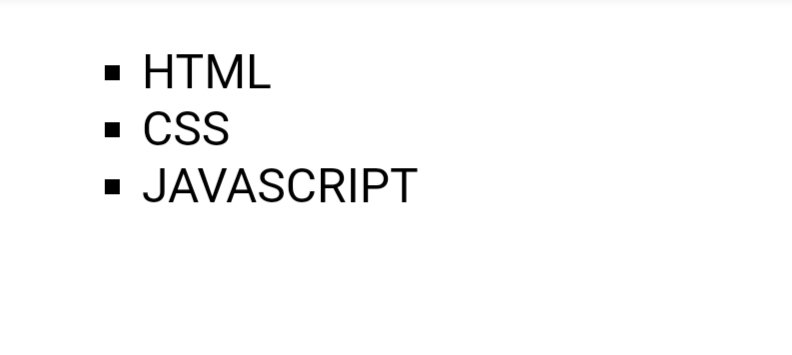
For Eg For Square Type Attribute :-

Code:-
Output:-
For Eg For Disc Type Attribute :-

Code:-
Output:-
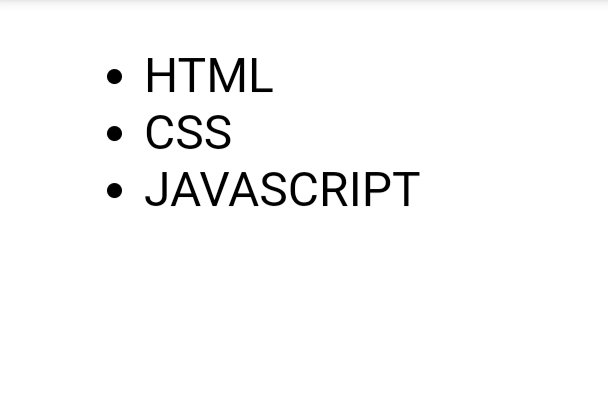
For Eg For Disc Type Attribute :-

Code:-
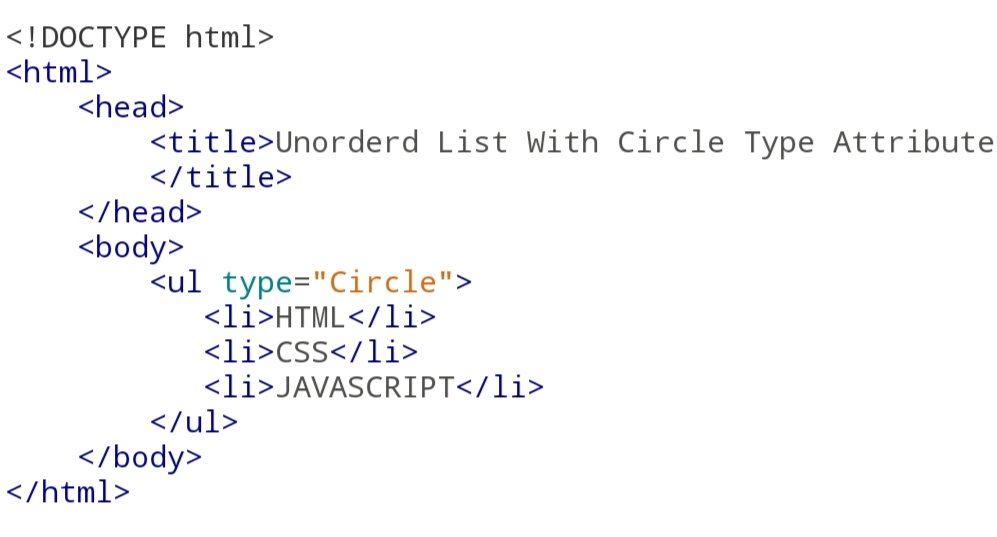
Output:-

° Orderd List <ol> :-  using Orderd list we can specify the list iteam in numberd list instead of bulleted list which is in Unorederd list. In Orderd List numbering start at One and it increment by one for each


° Type Attribute (Orderd List):-
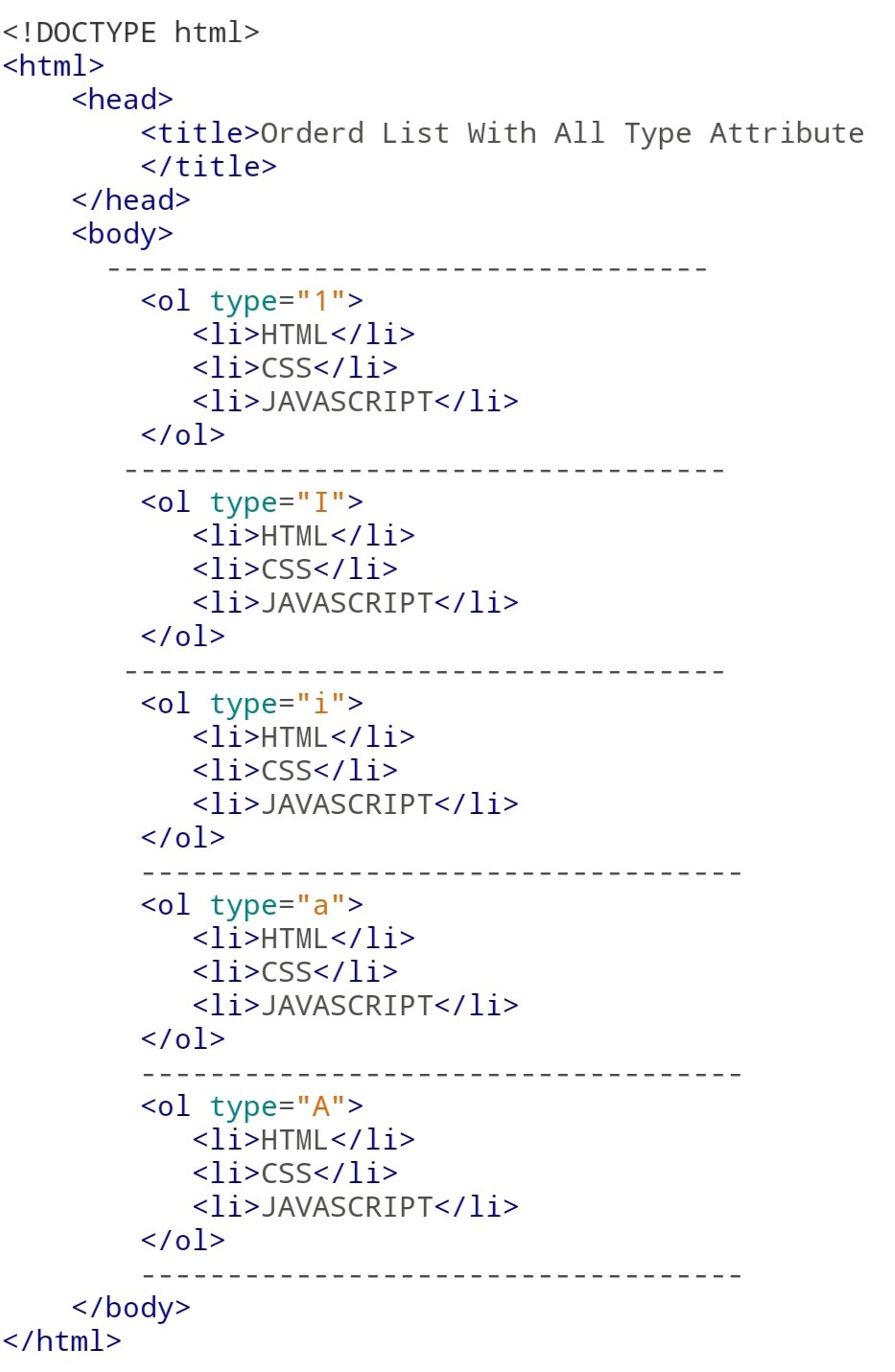
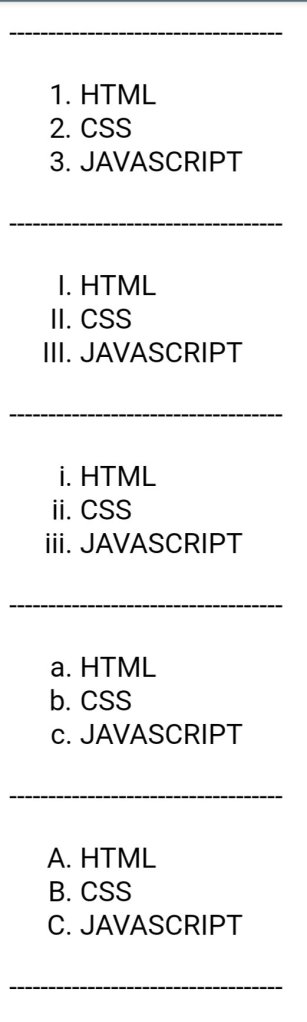
We can also use type attribute in Orderd list. By default the value of type attribute is a number. We can also use the following possibility.


<ol type=”1″> By default 

<ol type=”I”>upper case number 


<ol type=”i”> lower case number


<ol type=”a”> lower case letter


<ol type=”A”> upper case letter

For Eg:-

Code:-
Output:-
Start Attribute:-

The start Attribute is written in Orderd List <ol> tag which specify the Starting point of numbering.

For Eg:-

Code:-

Output:-
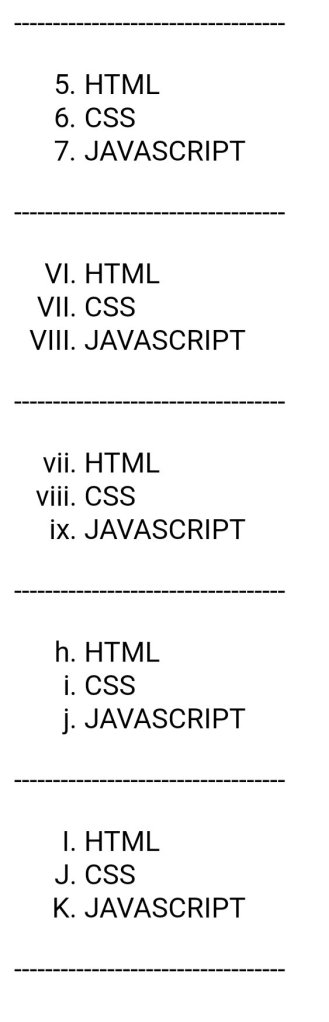
°List Iteam <li>:-

li attribute is the child attribute for both Unorederd List and Orderd List.<li> Tag is use to insert the Iteam the list.

You can see the above Example.

° Defination List <dl> :- 

using defination list. We can arrange the arrange the list items like in a dictionary or an encyclopedia. Defination List use three main tags.


1. <dl> :- Defines the Start of the list

2. <dt> :- A term

3. <dd> :- Term Defination

For Eg:-

Code:-

Output:-

Click On This Link To My Another Blogging WebSite

Categories
Blogging

HTML Color

Color are very important to give good look to your website.The Color attributes are written inside the body tag.


There are five attribute.


1. Background Color:- Html provide to give background color to webpage. To give background color we use (bgcolor=”Color Name”) attribute.

For Example

• By Using Color Name

Code:-

Output:-

• By Using Hex Color Code

Code:-

Output:-

• By Using Color Decimal or percentage value

Code:-

Output:-

2.

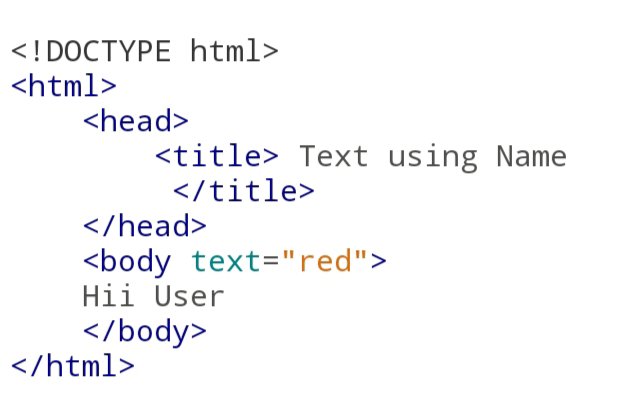
Text:- we can also give color to text to make website more attractive. Attributes is Written inside the <body> tag. attribute is (text=”Color Name”).
For Example 

• By Using Color Name

Code:-

Output:-

• By Using Hex Color Code

Code:-

Output:-

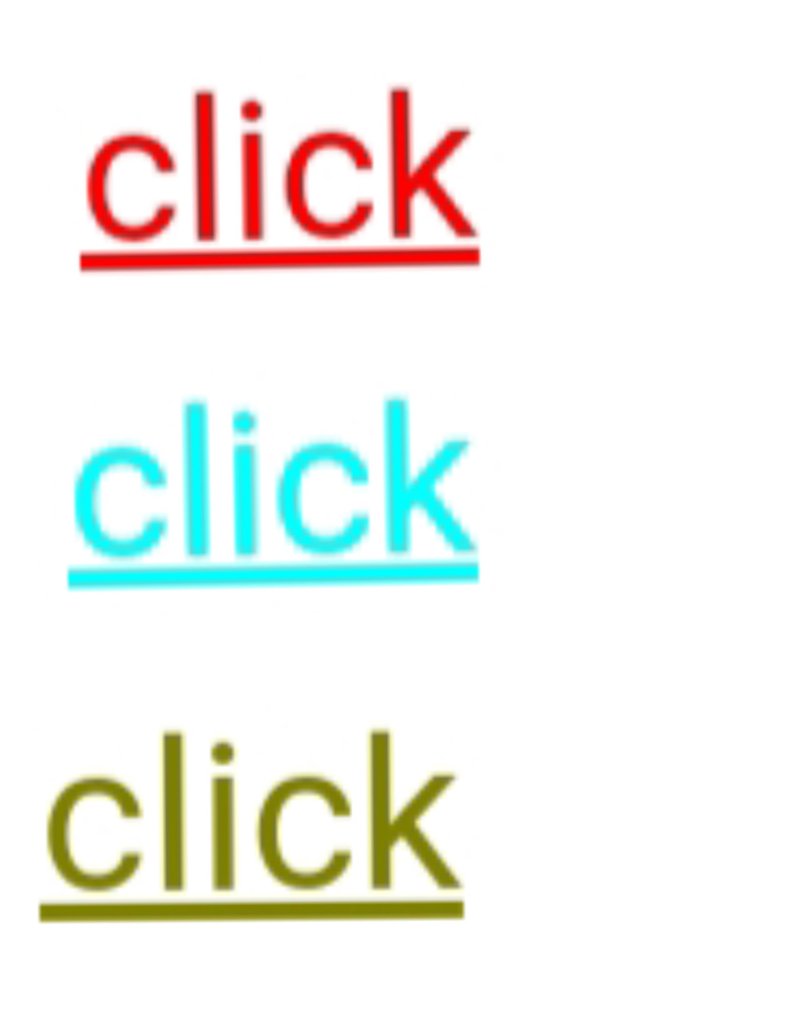
3. Link:- (link=”Color Name”) This attribute is used to give color to link that is written inside the website.


4. Alink:- Alink Means Active Link or selected link. Using this attribute change of Color after selecting that link.Attribute (alink=”Color Name”).


5. Vlink:-Vlink means Visited link. We can also set the color to Visited link. It is useful for user so that the user cannot click that link again. Attribute (Vlink=”Color Name”)

For Example

Code:-

Output:-

• HTML Color Coding Methods
There are three different methods in Html to set Color in your webpage.


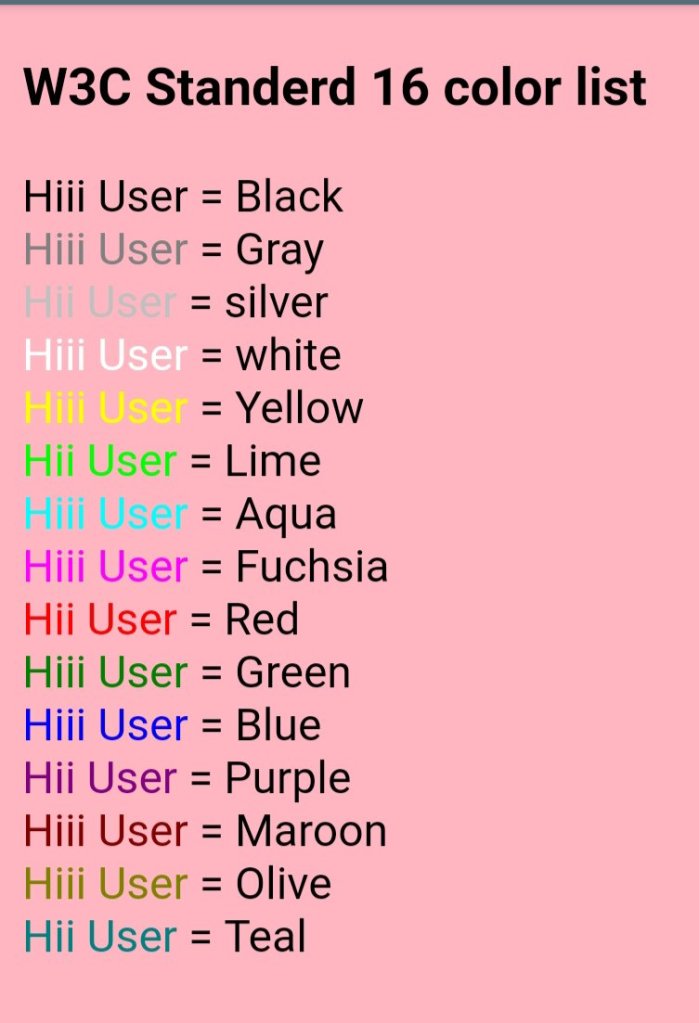
1.Colour Name :- You can directly give name of the Color in Attitude.For example :- <body bgcolor=”red”>


There are 16 Standard W3C list of Color.


1. Black 2. Gray 3. Silver 4. White 5. Yellow 6. Lime 7. Aqua 8. Fuchisa 9. Red 10. Green 11. Blue 12. Purple 13. Maroon 14. Olive 15. Navy 16. Teal

2.Hex Code:-Frist we will understand the what is Hexadecimal No.


Hexadecimal No contain 16 no.
0 to 9 and A to F.


A represents 10. B represents 11. C represents 12. D represents 13. E represents 14. F represents 15.


The Base of Hexadecimal No is 16.
 In Hex Code we specify the Color into six digit code which represent ammout of Red,Green,Blue (rgb) That Make Color. Hex Code look Like This #000000 Hash (#) Indicate Hexadecimal value.

 Frist 2 digit dedicated to Red colorMiddle 2 digit dedicated Green color And Last 2 digit dedicated Blue color.Each primary color is of 8 Bit. We can give total 256 values as Binary no system is have base 2. 

If we calculate 2 to the power 8 we get 256 so we can give 256 value Red,256 to Green and 256 to Blue.

The minimum value we can Give is 0 and the maximum value is 255.

0 indicate the zero density of Color and 255 Indicate the full density of color. 


We will understand by an example.
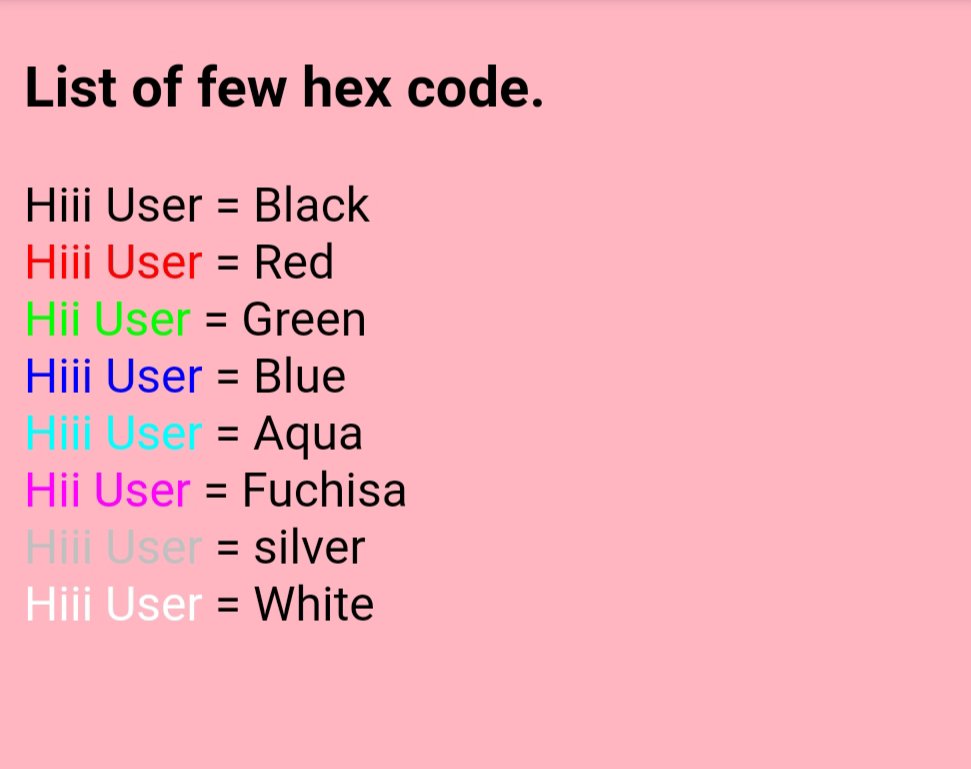
#ff0000
Frist 2 for red Middle 2 for greenLast 2 for blue

For Example:-

Code

Output:-

•Color Decimal Or Percent Values:-In this method the color value is specified using rgb() property.

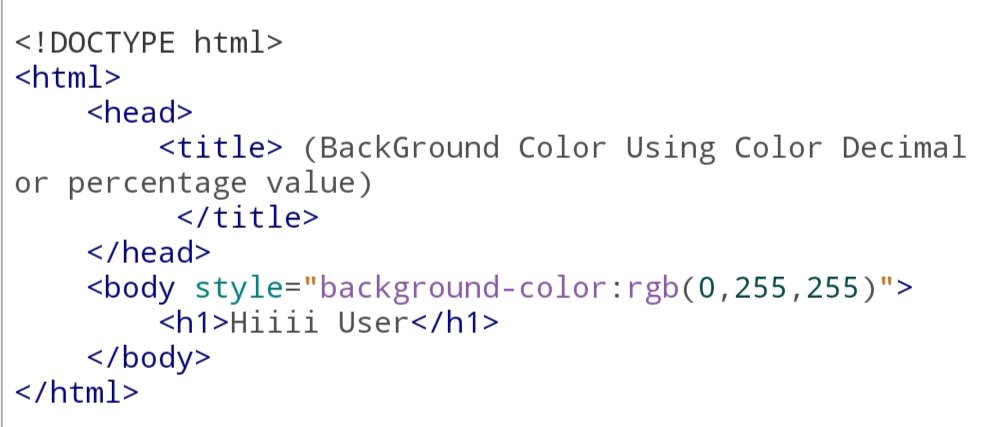
For Example rgb(0,255,255) Means Aqua (cyan) color is in full density.For example

Code:-

Output:-

Categories
Blogging

Base Font Tag

what is Basefont Tag ?

Base Font tag is used to Define Default Font  Face ,Size and Color for entire text written in webpage.


This is similar to Font tag but Basefont tag is Empty tag means it does not have closing tag and Font tag is container tag. Font have both opening and closing tags.


Base Font is define inside the head section.


Basefont tag is only sapportable for internet explorer 9 and earlier version, it does not support in crome,fire fox, opera etc.

Eg:-

Code:-

Output:-

Design a site like this with WordPress.com
Get started