Html offers user to specify there Information in the form of list but the condition is the list may contain more than one list items.
There are three types of list :-
Unorederd list
Orderd List
Defination List
° Unorederd List <ul> :- this will list the item using plain text bullets.There are 3 bullet (square, disc ,circle)
° Type Attribute(Unorederd list) :-
the type Attribute is use to specify Which type of bullet you want in the list
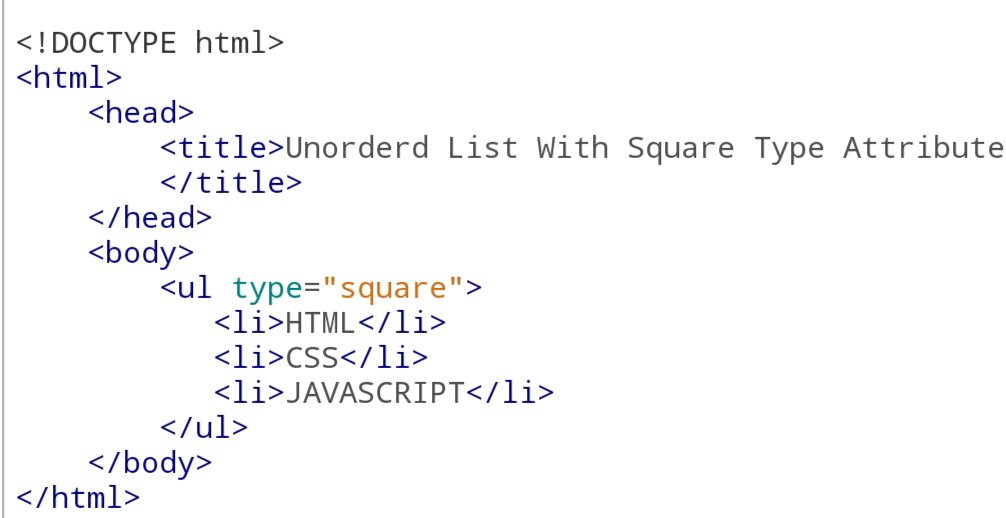
<ul type=”square”>
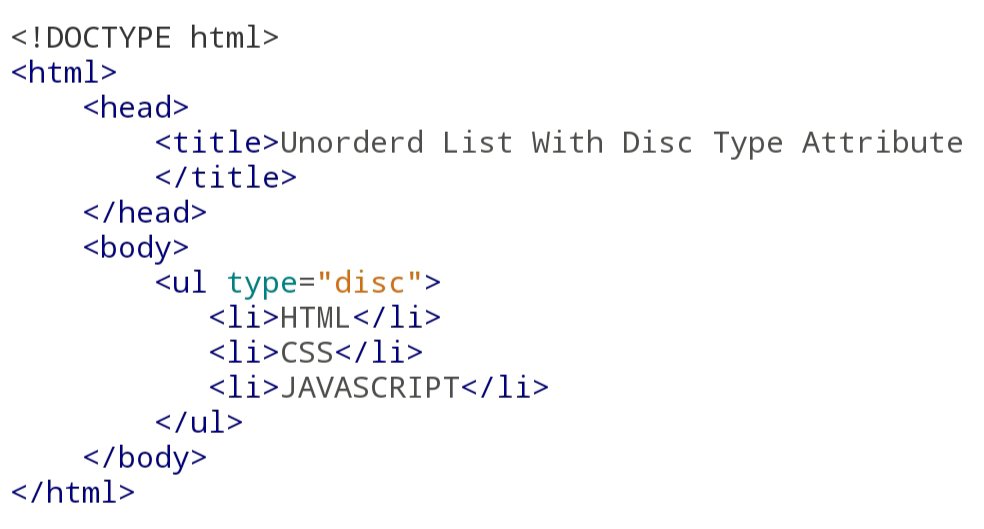
<ul type=”disc”>
<ul type=”Circle”>
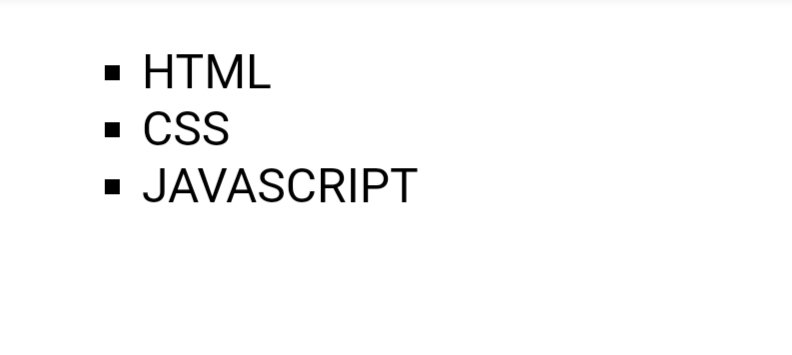
For Eg For Square Type Attribute :-
Code:-
Output:-
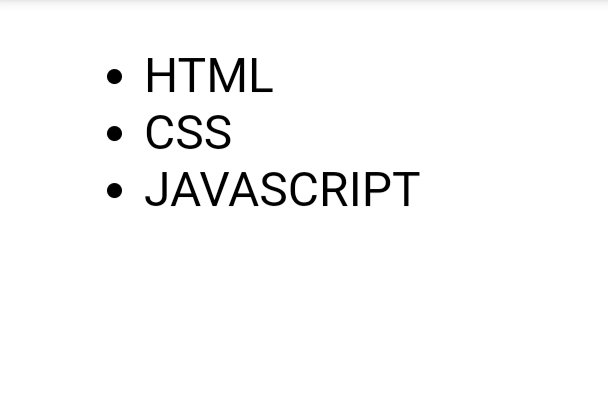
For Eg For Disc Type Attribute :-
Code:-
Output:-
For Eg For Disc Type Attribute :-
Code:-
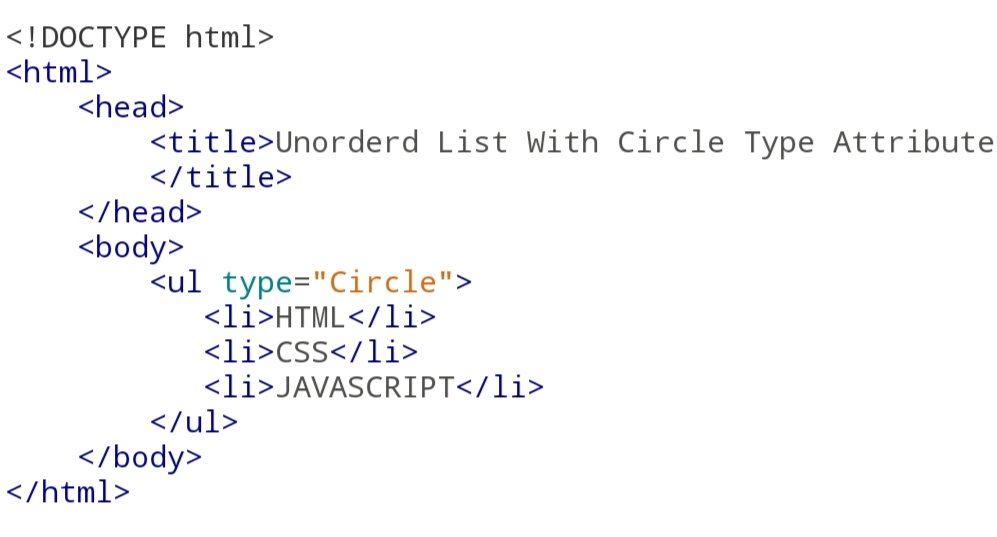
Output:-

° Orderd List <ol> :- using Orderd list we can specify the list iteam in numberd list instead of bulleted list which is in Unorederd list. In Orderd List numbering start at One and it increment by one for each
° Type Attribute (Orderd List):-
We can also use type attribute in Orderd list. By default the value of type attribute is a number. We can also use the following possibility.
<ol type=”1″> By default
<ol type=”I”>upper case number
<ol type=”i”> lower case number
<ol type=”a”> lower case letter
<ol type=”A”> upper case letter
For Eg:-
Code:-
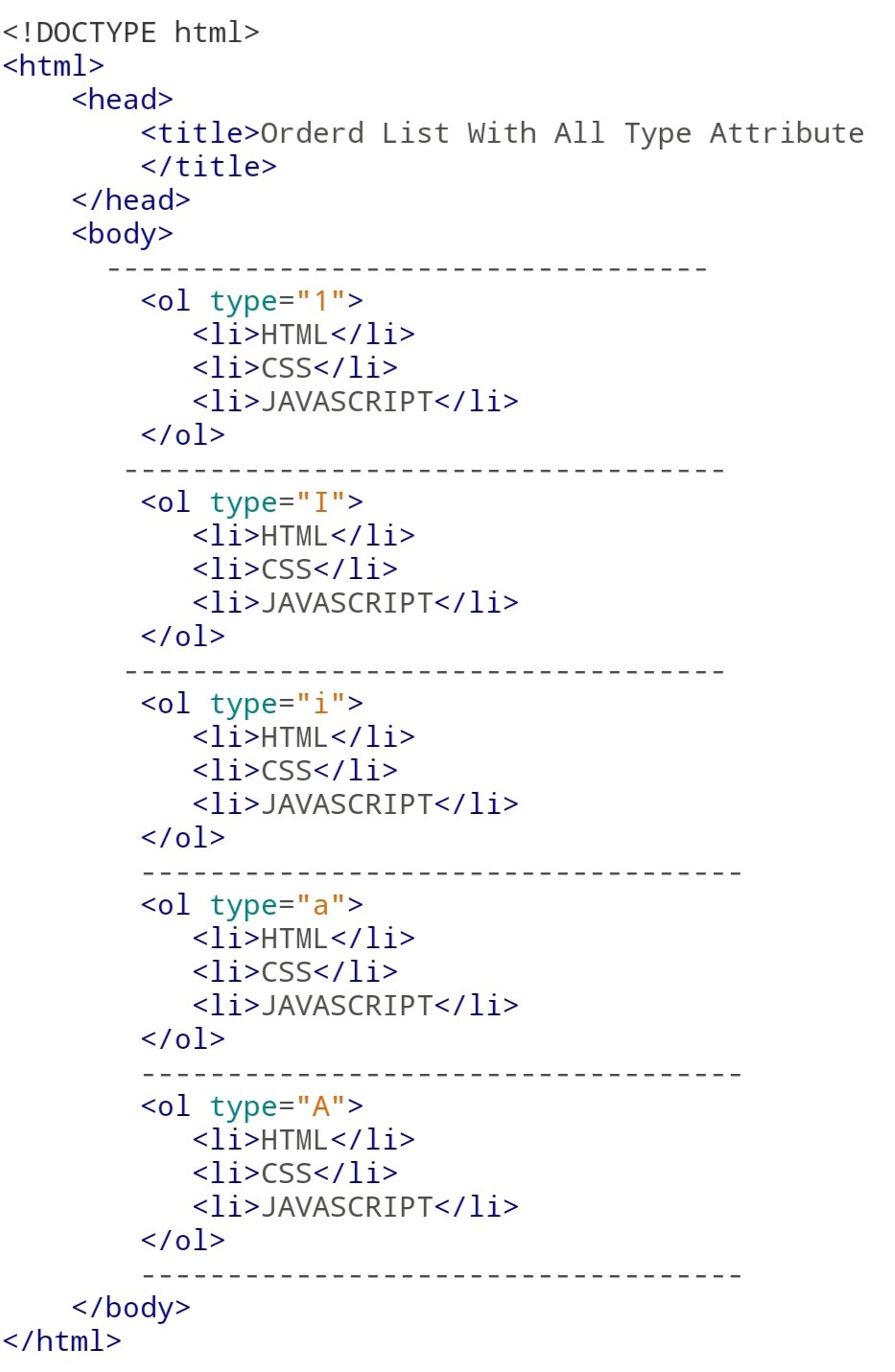
Output:-
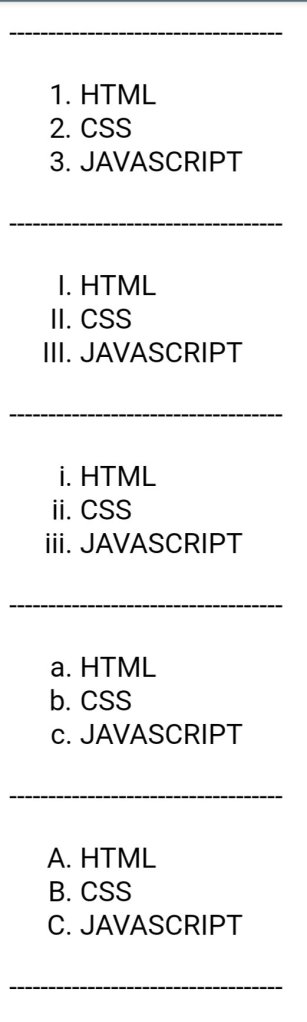
Start Attribute:-
The start Attribute is written in Orderd List <ol> tag which specify the Starting point of numbering.
For Eg:-
Code:-

Output:-
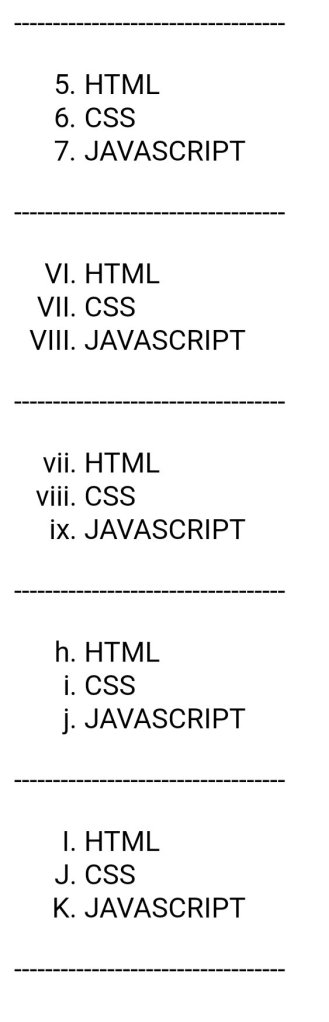
°List Iteam <li>:-
li attribute is the child attribute for both Unorederd List and Orderd List.<li> Tag is use to insert the Iteam the list.
You can see the above Example.
° Defination List <dl> :-
using defination list. We can arrange the arrange the list items like in a dictionary or an encyclopedia. Defination List use three main tags.
1. <dl> :- Defines the Start of the list
2. <dt> :- A term
3. <dd> :- Term Defination
For Eg:-
Code:-

Output:-
































 Sayyed Akib