What is table ?
A set of rows and columns is called Table
Table allow web author (owner of web site)
To arrange there data
For eg. Text,Image,links etc.
We can create HTML table by using <table> tag.
The <tr> tag is use to create rows in table
And <td> is use to create data cell (in which we can put data).
Code:-

Output:-
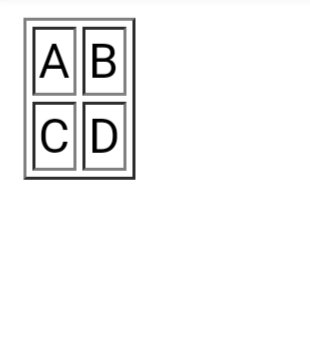
° Border Attribute :- From above example we can se.
using Border Attribute we can give border to table. By default value of border attribute is “0”.
<table border=”1″>
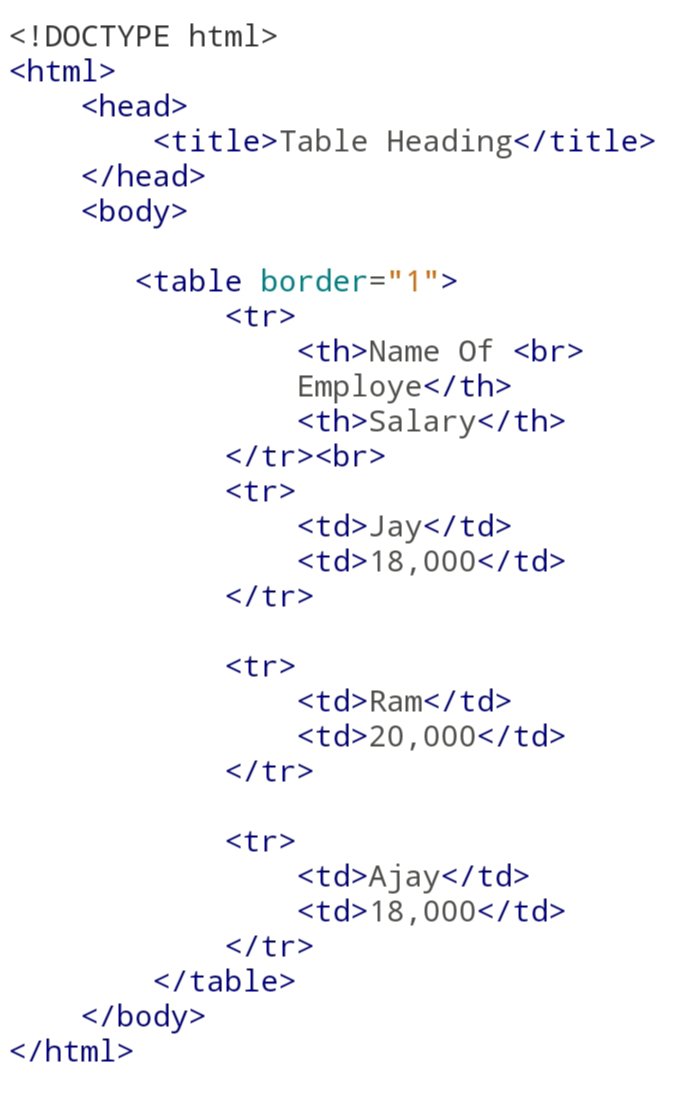
° Table Heading Tag :-
<th> Tag is use to write Heading in the table so that user can understand what’s the coloumn is about .
Usually the Table Heading is Written in the Frist row of the table.
For example we can create the table
Heading as Name Of Employe And Salary Of Employe.
Code:-
Output:-

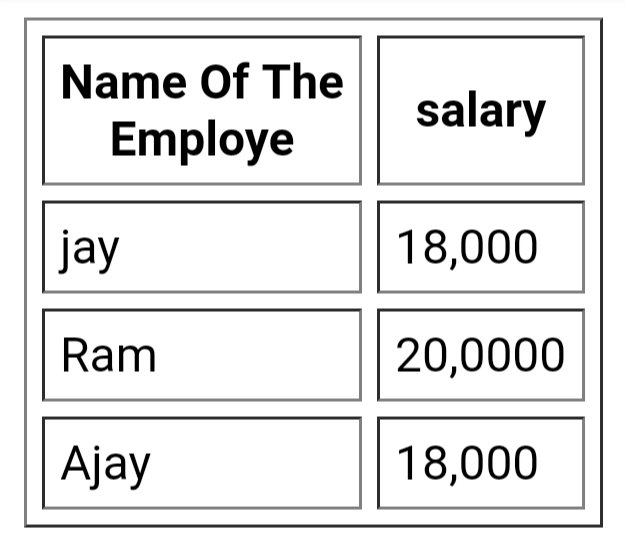
°Cellpadding & Cellspacing Attribute :-
• Cellpadding :-
Cellpadding Attribute is use to give distance between cell border and content within the cell .
<Table Cellpadding=”5″>
•Cellspacing :- Cellspacing Attribute is use to set the width of the table border
<Table Cellspacing=”5″>
Code:-

Output:-
°Table Background:-
There are two attribute to set Background color to Table.
•Bgcolor:- using bgcolor attribute we can give background color to table for whole table for only one cell.
Code:-
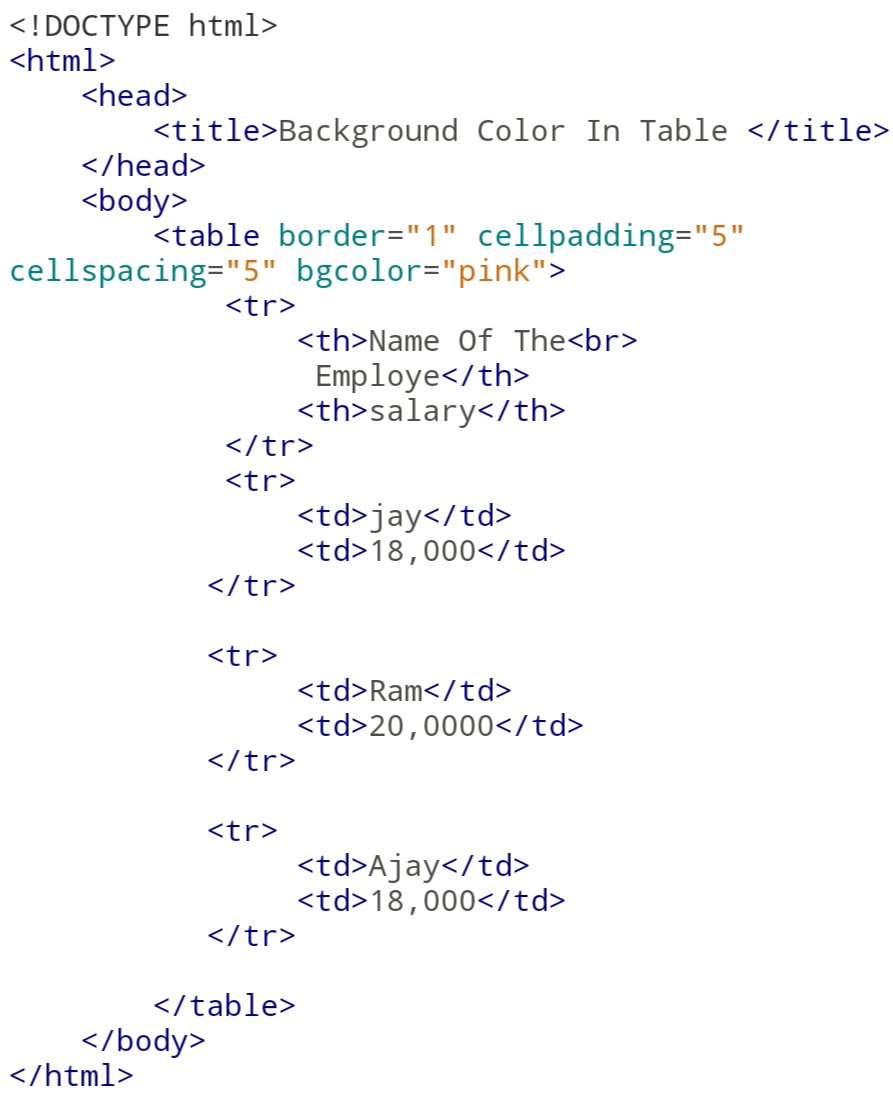
Output:-

•Background:- using this attribute we can set background image to a table.To use this attribute we need some knowledge of CSS. This attribute is written inside of head tag using style tag.
Code:-

Output:-
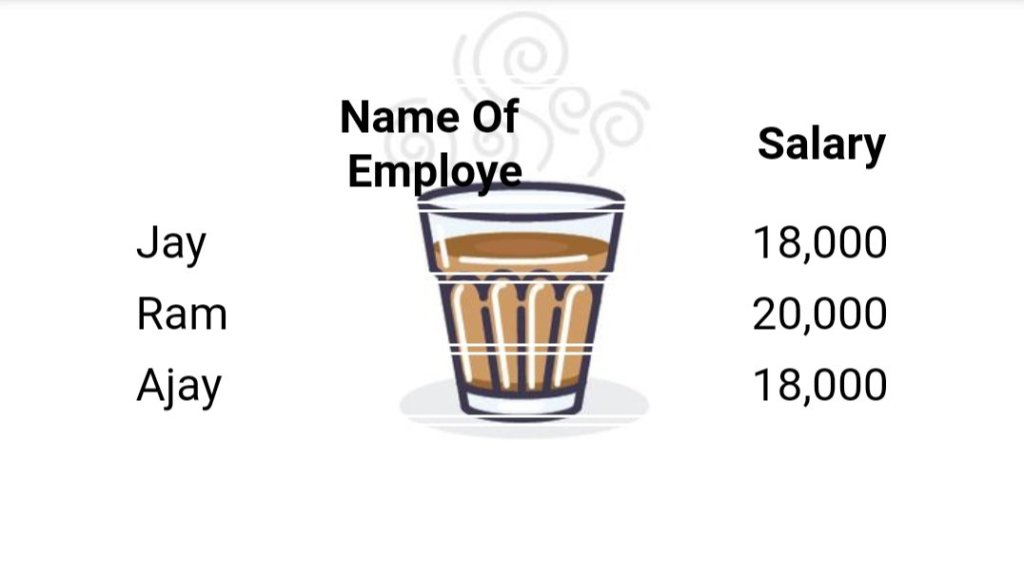
Table Height And Width:-
As name suggests this two attribute is use to set the Height and width of the table. We can specify the Hight and width in form of pixels
Code:-

Output:-

°Table Caption:-
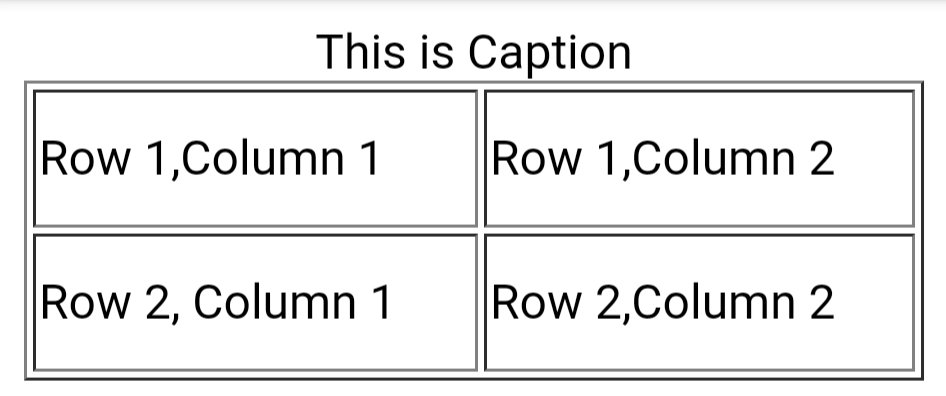
Caption tag is use to give title or a short information about the table. The caption tag is displayed on top of the table.
Code:-

Output:-
°Table Header,Body,Footer:-
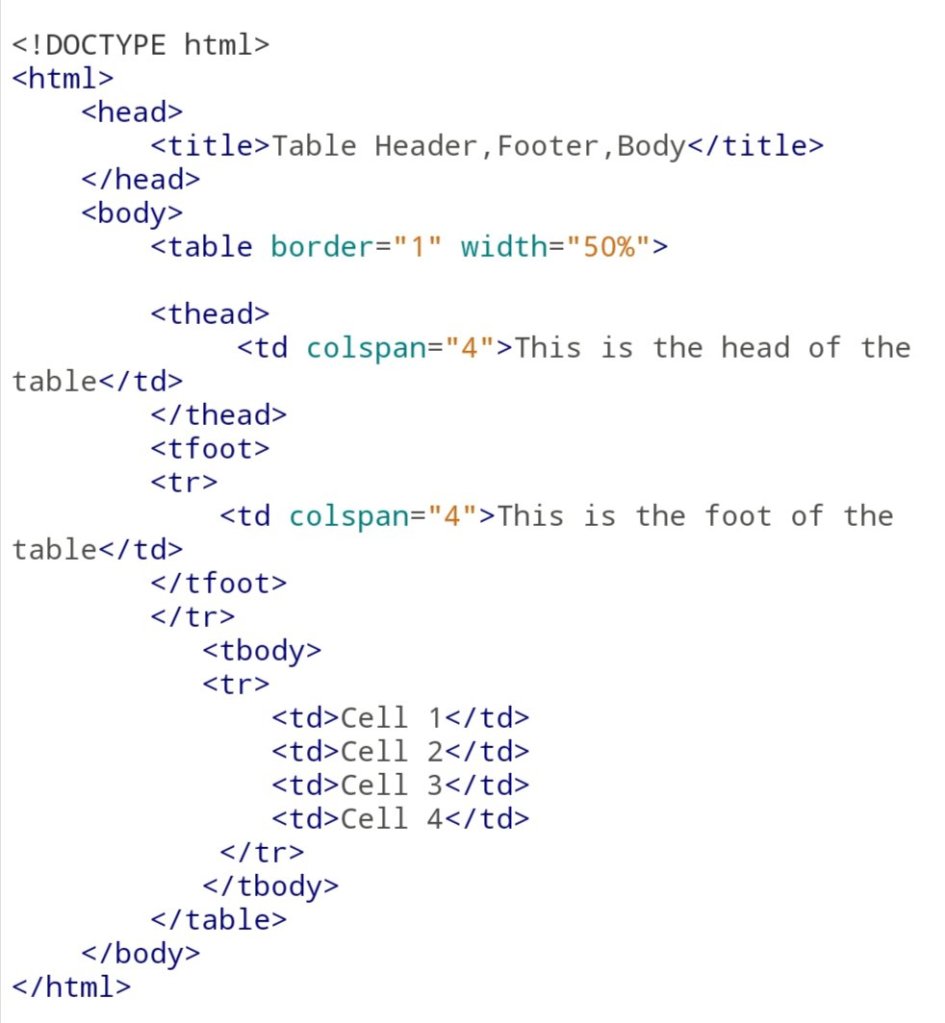
The table can be divided into three parts Header of the Table Body and the Footer.
The Header and Footer remain same for every page. Body is the main contain holder of the Table.
Tags :-
<thead>:-to create seprate table Header.
<tbody>:-to seprate the main Body of the Table.
<tfoot>:- to create seprate table Footer.
Remember that <thead> and <tfoot> tag should apper befor <tbody>
Code:-
Output:-

Nested Table:-
Using this attribute we can create the one another table inside main table. Not only the table but we can almost use all the tag inside table data tag <td> tag.
Code:-

Output:-

Thanks For Giving Your valuable Time And Reading The Blog
 Sayyed Akib